Puzzle Templates
Learn about Puzzle Templates, a gallery of ready-made puzzles you can add to your account and customize.
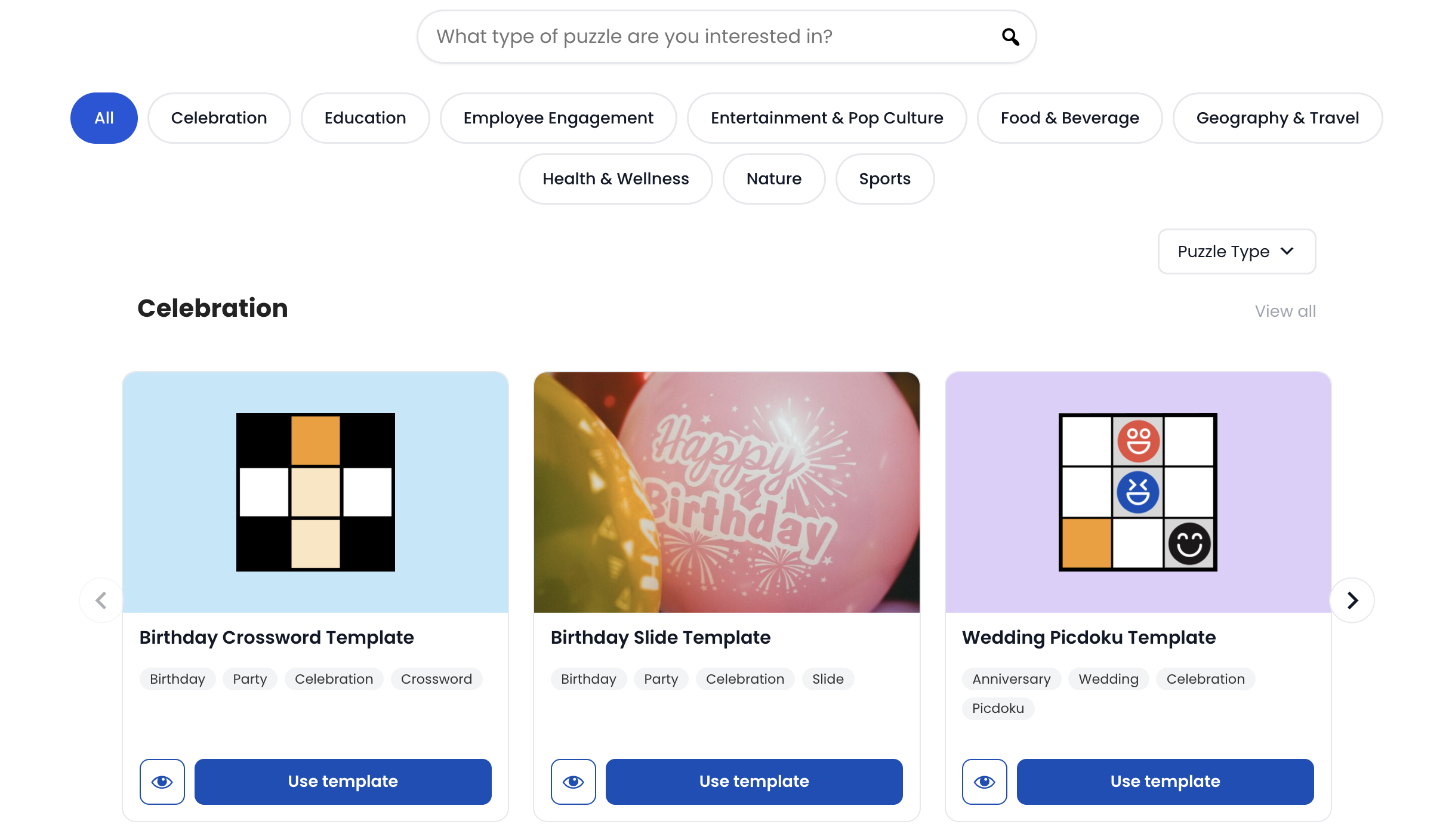
Puzzle Templates is where you can start before building a puzzle from scratch — PuzzleMe's gallery of pre-built puzzles, organized by theme and puzzle type. Add one to your account and it's ready to share and publish!
If you want to make the content your own, everything is still yours to tweak.
This is different from Puzzle Feed, which supplies puzzle content that updates daily and can't be edited. A template is a one-time addition, not a feed of puzzles.
Why use a template
If you need a puzzle for a specific event or occasion, chances are we've already made one with that exact thing in mind. Say your team has a work Easter event coming up, or you want a quick icebreaker for a wedding — instead of starting from a blank page, you can just find a template built for that.
Since the branding and messaging are already set up, using one can be as simple as swapping in your own details. Take the Father's Day WordroW template: the colors, layout, and start message are already done, so all you need to do is open the start message and drop in your dad's name, then publish. Or the Team Picdoku, which is built from a grid of people's faces — add it to your account and swap those images for photos of your own team for an instant, personalized icebreaker. Same idea with the Earth Day Crossword: the grid and clues are already built, so you can swap in facts about your own company's sustainability efforts and it's ready to publish.
Browse templates
On the Puzzle Templates page, you can search by keyword, or filter by category and puzzle type.
Templates are organized into nine categories: Celebration, Education, Employee Engagement, Entertainment & Pop Culture, Food & Beverage, Geography & Travel, Health & Wellness, Nature, and Sports.
Templates are currently available for Crossword, Sudoku (including Wordoku and Picdoku variants), Word Search, Jigsaw, WordroW, Kriss Kross, Word Flower, Quiz, Decipher, Slide, and Spiral. Codeword, Rows Garden, Killer Sudoku and Marching Bands don't have templates yet.
Add a template to your account
On the Puzzle Templates page, click Use template on the one you want, then confirm.
Follow the steps shown to get to your PuzzleMe dashboard. An Import Templates dialog opens.
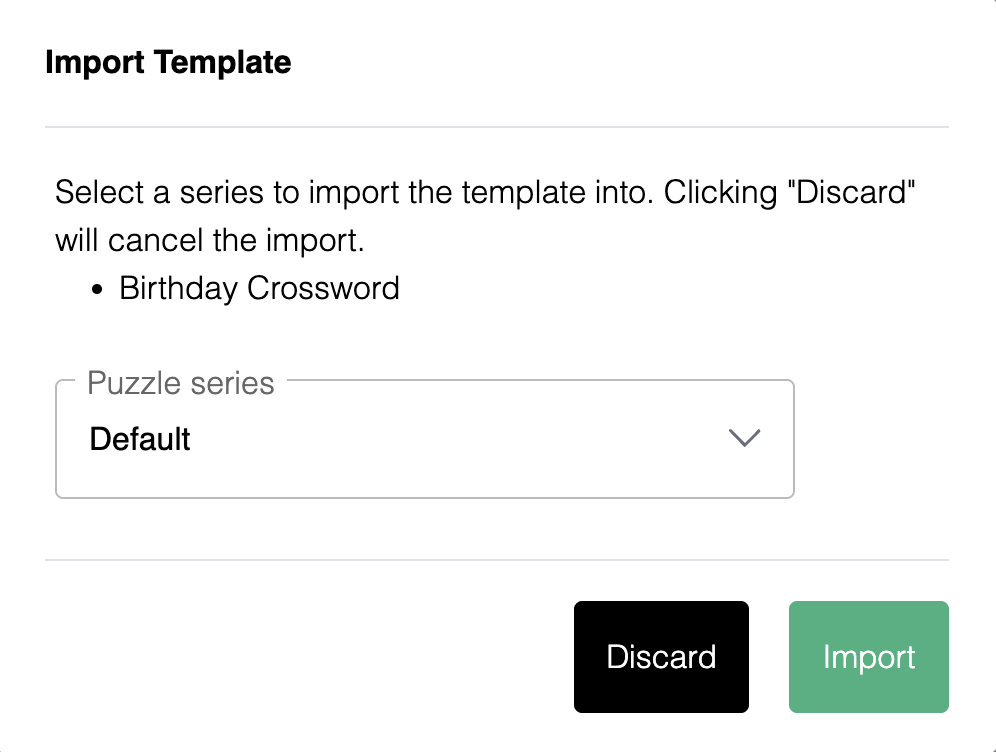
Choose a series from the Puzzle series dropdown.
Click Import to add the template as a new puzzle in that series, or Discard to cancel.
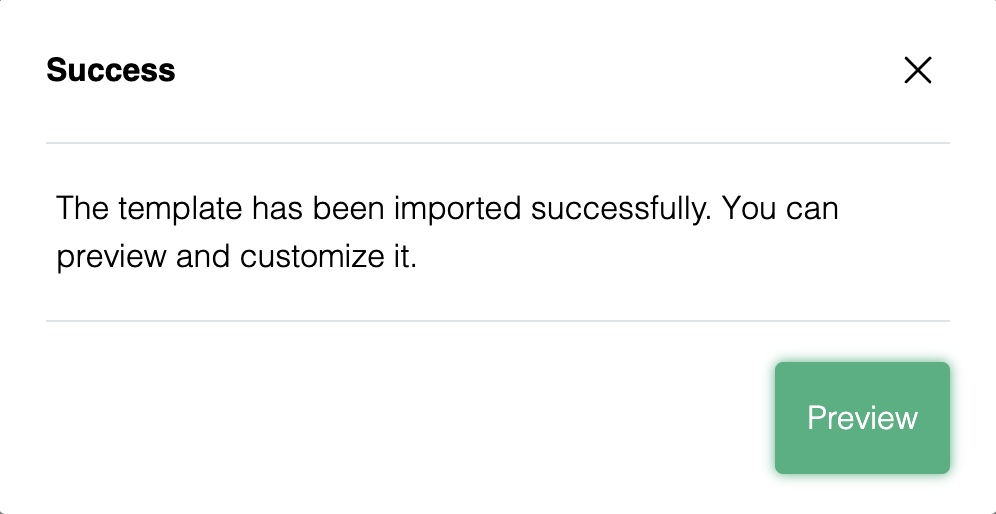
A Success dialog confirms the import.
After you add it
Once a template is in your account, it behaves like any other puzzle: customize its content, branding, and game settings if you'd like, then preview and publish it.