Miscellaneous
Learn how to manage miscellaneous settings for a puzzle.
Publication schedule
PuzzleMe™ allows you to schedule the publication of your games.
Behavior & embedding method
If you're embedding puzzles directly (without the series picker), then the visitors to your website will see an error message if they try to access the puzzle before it has been published. Once the publication time has arrived, the puzzle will function normally.
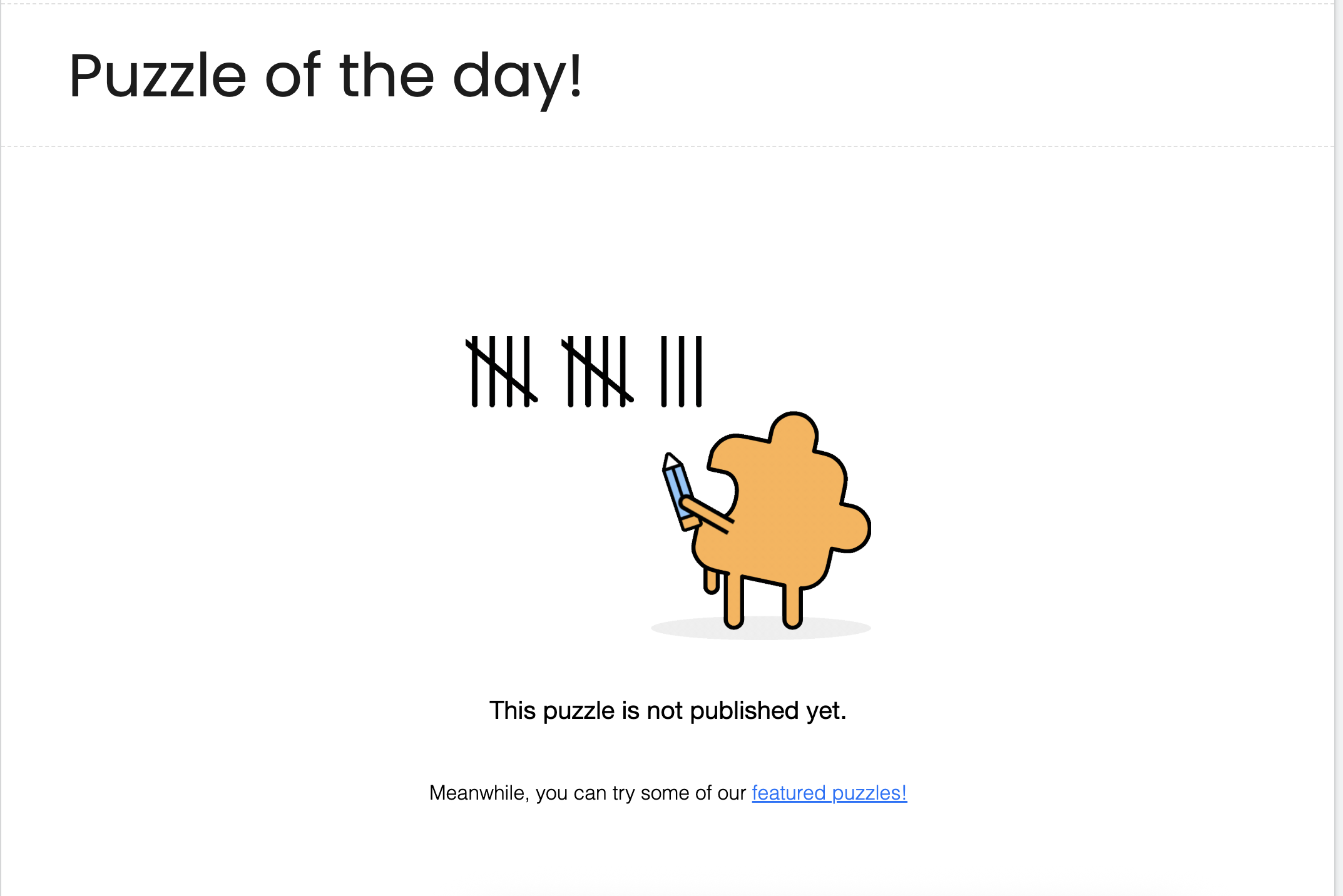
PuzzleMe throws an error in this case.
If you're using the series picker for a set of puzzles, then the puzzle will become visible automatically inside the series picker at the scheduled time of publication. Before publication time, the puzzle will remain invisible from the series picker.
Steps
- Go to the PuzzleMe dashboard.
- Find the game and click the "Edit Game" button next to it to enter the game editor mode.
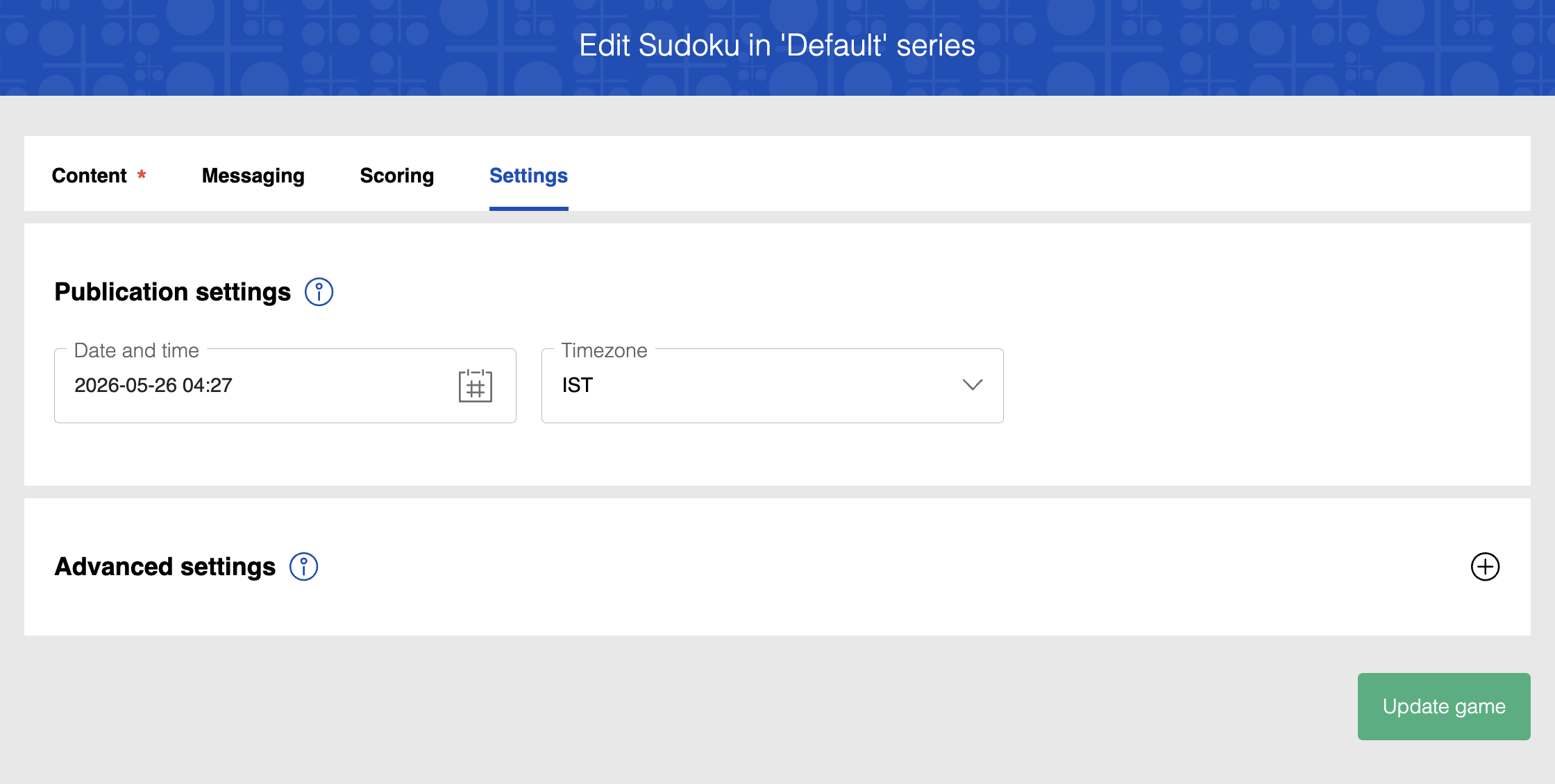
- In the game editor mode, inside the Settings tab, locate the "Publication settings" panel.
- Update the Date and Time input field with your desired values.
- Select your desired option from the "Timezone" dropdown.
- Click the "Update Game" button at the bottom of the page.
You can also set the publish date and time without opening the game editor. On the dashboard, click Quick Edit below the puzzle slug and update the publication fields in the dialog box.