Upload formats
Learn how you can upload jigsaw puzzle files.
PuzzleMe supports uploading jigsaw puzzles in .csv format. You can use CSV files to upload a single puzzle or multiple puzzles at once. CSV uploads let you control puzzle metadata, audio settings, and difficulty levels. A sample file is available on the PuzzleMe upload page.
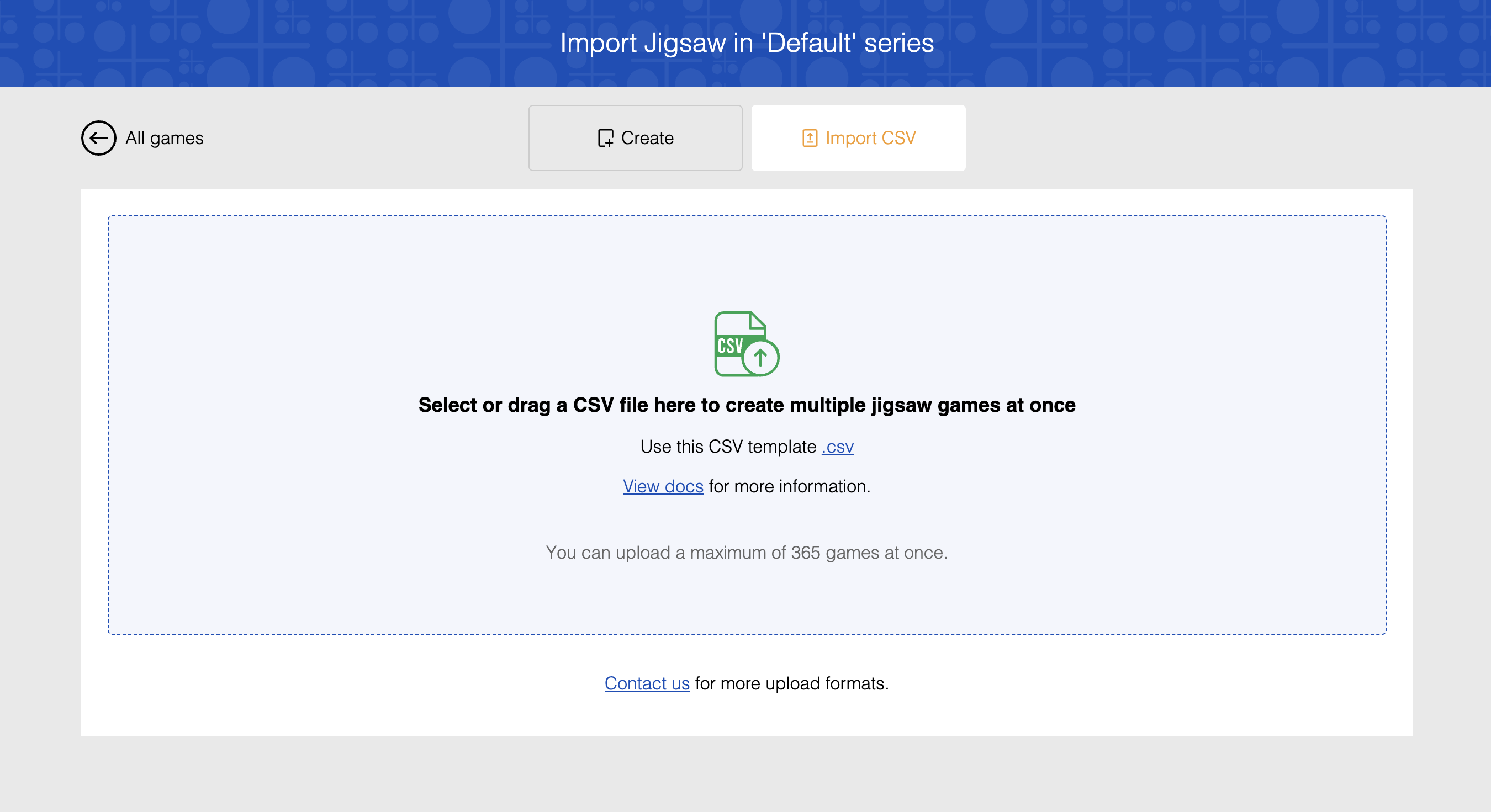
CSV upload fields are plan-based. Use the Plan-wise CSV field availability table below to confirm which fields you can populate on your plan. If your file includes fields not available on your plan, the upload fails. See our pricing page for plan details or contact support if you need access to additional fields.
Required Columns
| Column | Description |
|---|---|
Image url | Direct URL to your puzzle image |
If the image cannot be accessed due to CORS (Cross-Origin Resource Sharing) issues, the upload will fail. For more information on resolving CORS issues, see our Static Resources CORS Setup guide.
Optional Columns
Difficulty Levels
You can create puzzles with up to three difficulty levels. Each level determines the number of pieces in a puzzle.
For information on adding difficulty levels in the puzzle editor, click here.
One level:
- Auto-calculated: No headers needed. Just provide your
Image url. - Custom: Include
RowsandColumnsheaders and specify your values. Note: these columns don't have a level designation—they're just calledRowsandColumns.
Two or three levels:
Include headers for each level you want:
- Two levels:
Rows,Columns,Rows (Level 2),Columns (Level 2) - Three levels:
Rows,Columns,Rows (Level 2),Columns (Level 2),Rows (Level 3),Columns (Level 3)
Specify custom values, or leave them blank for auto-calculation. When auto-calculating, PuzzleMe determines the grid size based on your image dimensions. For example, a landscape image might auto-set the second level to 6 rows × 9 columns, while a portrait image might use 12 rows × 8 columns for the third level. Higher difficulty levels use progressively more pieces.
You must provide both row and column values for a level, or leave both blank. If you provide only one (e.g., rows but not columns), the upload will fail.
Puzzle Configuration
| Column | Description |
|---|---|
Rows | Rows for the first difficulty level (auto-calculated based on image dimensions if not specified) |
Columns | Columns for the first difficulty level (auto-calculated based on image dimensions if not specified) |
Rows (Level 2) | Rows for the second difficulty level (requires Rows and Columns headers; auto-calculated if blank) |
Columns (Level 2) | Columns for the second difficulty level (requires Rows and Columns headers; auto-calculated if blank) |
Rows (Level 3) | Rows for the third difficulty level (requires Rows, Columns, Rows (Level 2), and Columns (Level 2) headers; auto-calculated if blank) |
Columns (Level 3) | Columns for the third difficulty level (requires Rows, Columns, Rows (Level 2), and Columns (Level 2) headers; auto-calculated if blank) |
Background color | Puzzle background color as hex code (e.g., #87CEEB) (chosen automatically if not specified) |
Audio Settings
| Column | Description |
|---|---|
Connect sound url | Sound when pieces connect |
Scatter sound url | Sound when pieces scatter |
Puzzle Metadata
| Column | Description |
|---|---|
Date (yyyyMMdd) | Optional date in YYYYMMDD format for each puzzle row |
Title | Puzzle title |
Author | Puzzle author |
Start message | Message when puzzle starts |
Pause message | Message when puzzle is paused |
End message | Message when puzzle is completed |
Subtitle | Optional subtitle for the puzzle |
Thumbnail URL | Optional thumbnail image URL |
Backdrop URL | Optional backdrop image URL |
CSV fields by plan
| Plan tier | Supported fields |
|---|---|
| Personal | Image url, Rows, Columns, Rows (Level 2), Columns (Level 2), Rows (Level 3), Columns (Level 3), Background color, Connect sound url, Scatter sound url, Title, Author, Start message |
| Plus | Personal + Pause message, End message, Subtitle |
| Professional | Plus + Date (yyyyMMdd), Thumbnail URL, Backdrop URL |
| Enterprise | Same as Professional |
If you include Date (yyyyMMdd), enter it exactly in YYYYMMDD format, without separators.
Example CSV data:
Image url,Date (yyyyMMdd),Title,Author,Rows,Columns,Rows (Level 2),Columns (Level 2),Rows (Level 3),Columns (Level 3),Background color,Connect sound url,Start message,End message
https://exampleimage1.com,20260428,Sunset Beach,John Smith,4,6,6,9,8,12,#87CEEB,https://example.com/connect.mp3,Welcome to the puzzle!,Great job!
https://exampleimage2.com,20260429,Mountain View,Jane Doe,5,7,,,,,#FFE4B5,,Ready to solve?,
https://exampleimage3.com,,Forest Path,,,,,,,,
In this example:
- First row: Defines custom sizes for all three difficulty levels (4×6, 6×9, 8×12), plus background color and audio settings
- Second row: Defines the first level (5×7) with a background color. Since the Level 2 and Level 3 headers are present in the CSV but values are blank, those levels will be auto-calculated
- Third row: Includes only the required
Image url. Since no other headers are present, only the first level will be created using auto-calculated values