Upload formats
Objective
Learn how you can upload Word Flower puzzles.
PuzzleMe supports uploading Word Flower puzzles in .csv format. A sample file is available on the PuzzleMe upload page.
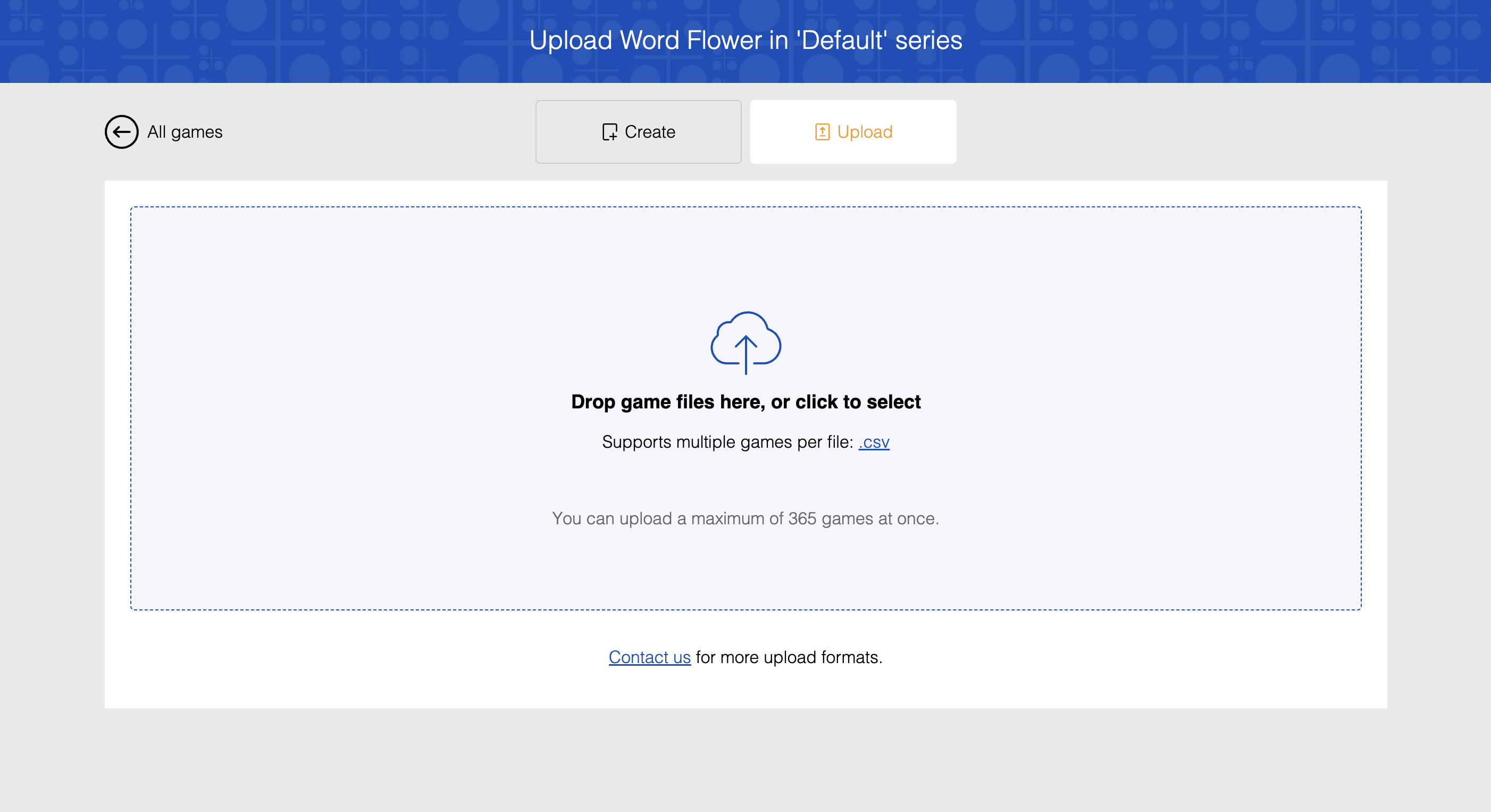
You can use the .csv format to upload multiple Word Flower puzzles at once.
note
Bulk upload features are available based on your plan type. See our pricing page for plan details or contact support if you need access to bulk upload capabilities.
CSV Fields:
Plan-based CSV fields
CSV field support depends on your plan. If your file includes fields not available on your plan, the upload fails.
- Date (yyyyMMdd): Optional date in YYYYMMDD format
- Title: Puzzle title
- Author: Puzzle author
- Central Letter: The central letter for the Word Flower
- Letters: The outer letters for the Word Flower
- Repeatable: Whether letters can be reused
- Pangrams: Pangram words
- Words: Valid words for the puzzle
- Explanation Link: Link to explanation
- Start message: Optional message shown when the puzzle starts
- Pause message: Optional message shown when the puzzle is paused
- End message: Optional message shown after the puzzle is completed
- Subtitle: Optional subtitle for the puzzle
- Thumbnail URL: Optional thumbnail image URL
- Backdrop URL: Optional backdrop image URL
CSV fields by plan
| Plan tier | Supported fields |
|---|---|
| Personal | Central Letter, Letters, Repeatable, Words, Explanation Link, Title, Author, Start message |
| Plus | Personal + Pause message, End message, Subtitle |
| Professional | Plus + Date (yyyyMMdd), Thumbnail URL, Backdrop URL |
| Enterprise | Same as Professional |
Date format and predictable ids
Enter Date (yyyyMMdd) exactly in YYYYMMDD format, without separators.
For more information about these fields, see Word Flower creation .