Upload formats
Objective
Learn how you can upload WordroW puzzles.
PuzzleMe supports uploading WordroW puzzles in a .csv format, and the sample file is available on the PuzzleMe upload page.
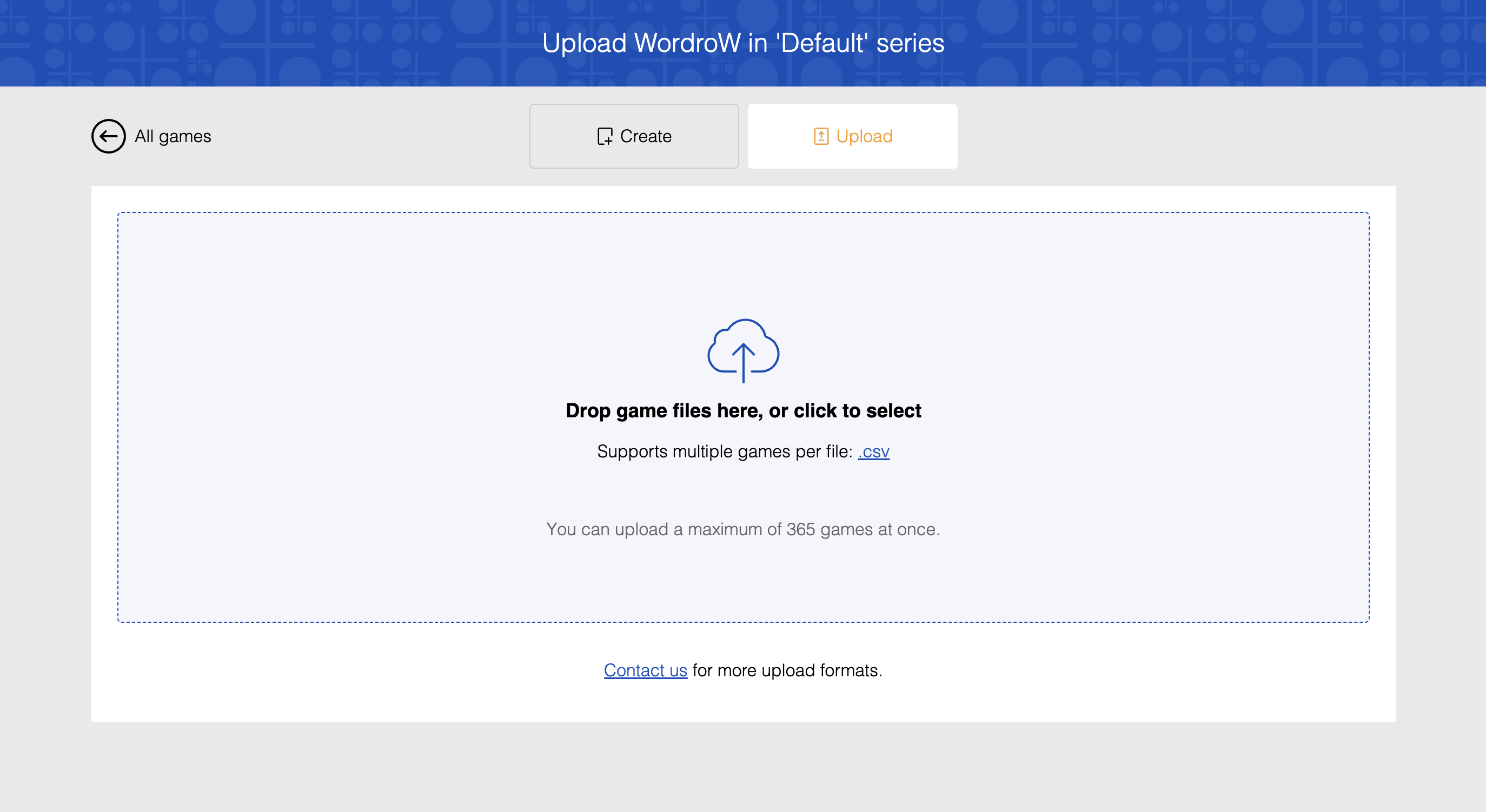
You can use the .csv format to upload multiple WordroW puzzles at once.
note
Bulk upload features are available based on your plan type. See our pricing page for plan details or contact support if you need access to bulk upload capabilities.
Example .csv file:
Date (yyyyMMdd),Answer,Start message,End message
20260428,WORDROW,Welcome to today’s game!,Great solve!
20260429,PUZZLING,Ready for a challenge?,Nice work!
20260430,GAMES,Let’s begin!,Well done!
This CSV contains three WordroW puzzles. Uploading this file will create three separate WordroW puzzles in your dashboard.
CSV fields:
Plan-based CSV fields
CSV field support depends on your plan. If your file includes fields not available on your plan, the upload fails.
- Date (yyyyMMdd): Optional date in
YYYYMMDDformat. Use this to set the date for each uploaded puzzle row. - Answer: The target answer for the puzzle.
- Title: Puzzle title.
- Author: Puzzle author.
- Start message: Optional message shown when the puzzle starts.
- Pause message: Optional message shown when the puzzle is paused.
- End message: Optional message shown after the puzzle is completed.
- Subtitle: Optional subtitle for the puzzle.
- Thumbnail URL: Optional thumbnail image URL.
- Backdrop URL: Optional backdrop image URL.
CSV fields by plan
| Plan tier | Supported fields |
|---|---|
| Personal | Answer, Title, Author, Start message |
| Plus | Personal + Pause message, End message, Subtitle |
| Professional | Plus + Date (yyyyMMdd), Thumbnail URL, Backdrop URL |
| Enterprise | Same as Professional |
Date format and predictable ids
Enter the date exactly in YYYYMMDD format, without separators.