The solver experience
Learn what changes for solvers in Contest Mode, and how submission works
In Contest Mode:
- Reveal, Check, Error Check and Hint options are unavailable.
- Unlike regular puzzles, where solvers are free to clear their progress and start again, contest mode doesn't allow that.
- The timer starts as soon as the puzzle loads, and can't be paused.
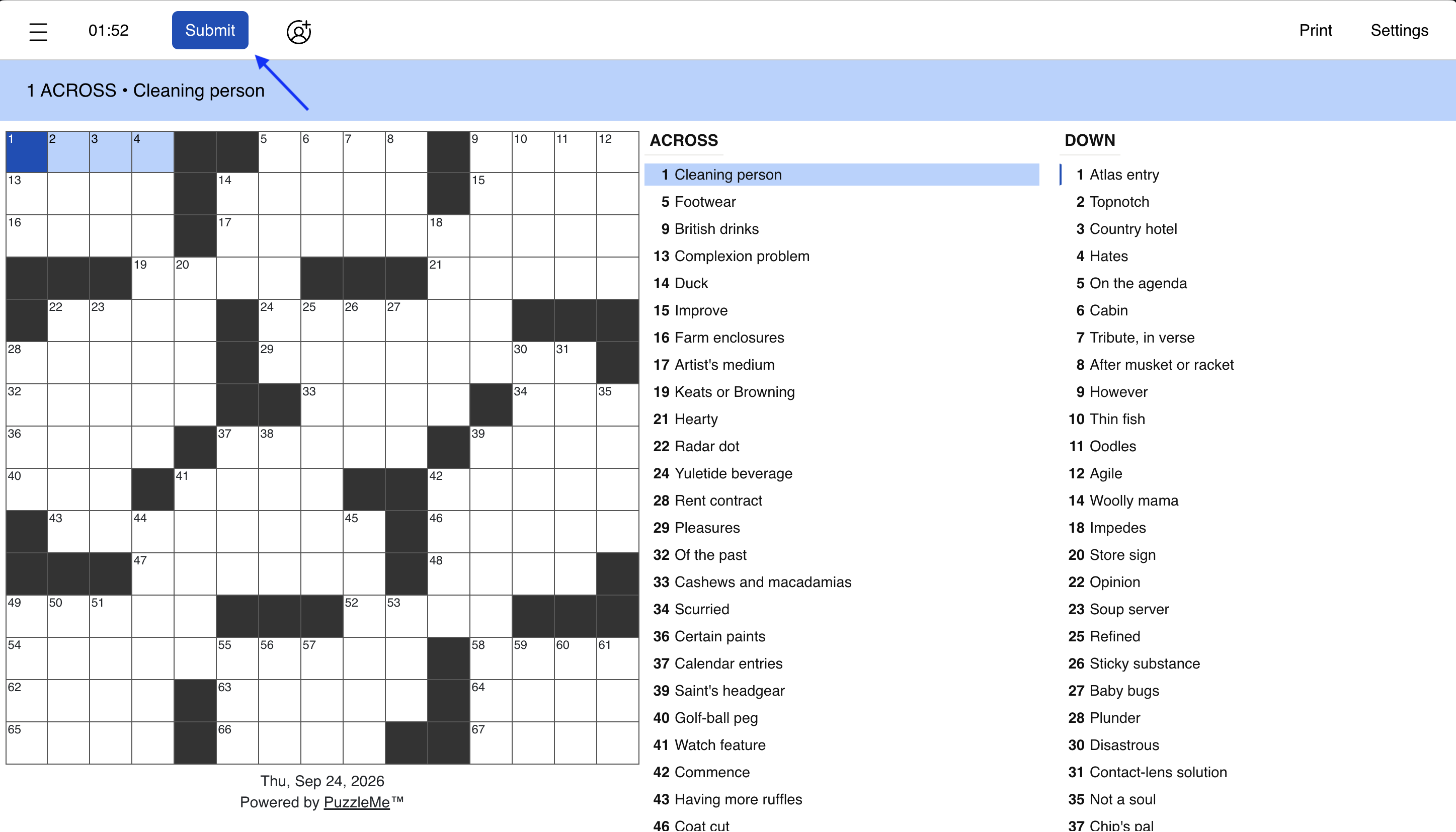
- Solvers have to explicitly submit their puzzle when they are ready, using the Submit button in the player interface.
Submitting a puzzle
Solvers submit manually rather than the puzzle auto-completing when all answers are entered, using the Submit button in the player interface.
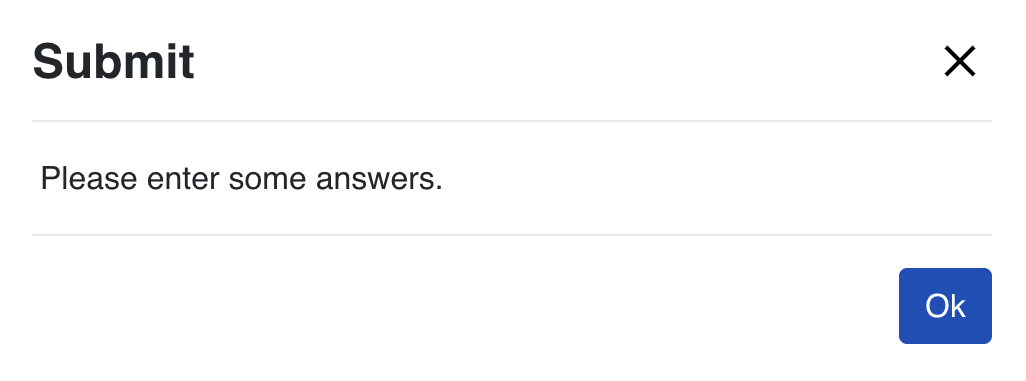
If a solver tries to submit an empty puzzle, they're blocked and asked to enter some answers first.
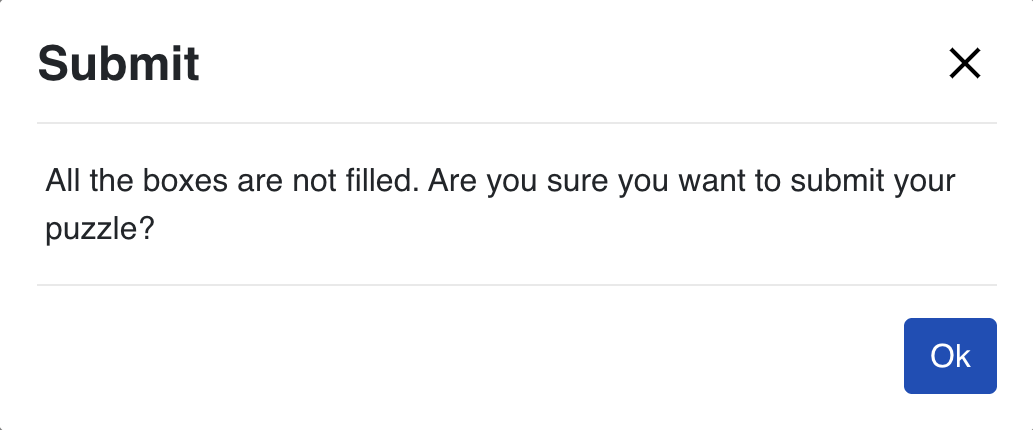
If the puzzle is only partially filled, they're asked to confirm before the entry is submitted.
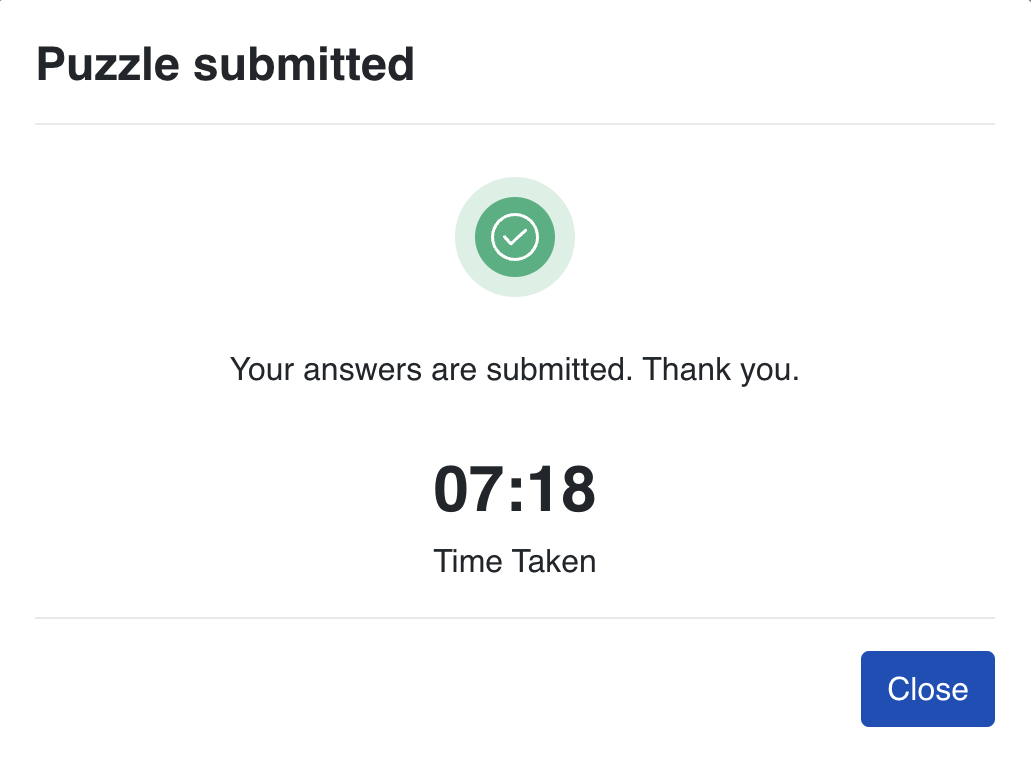
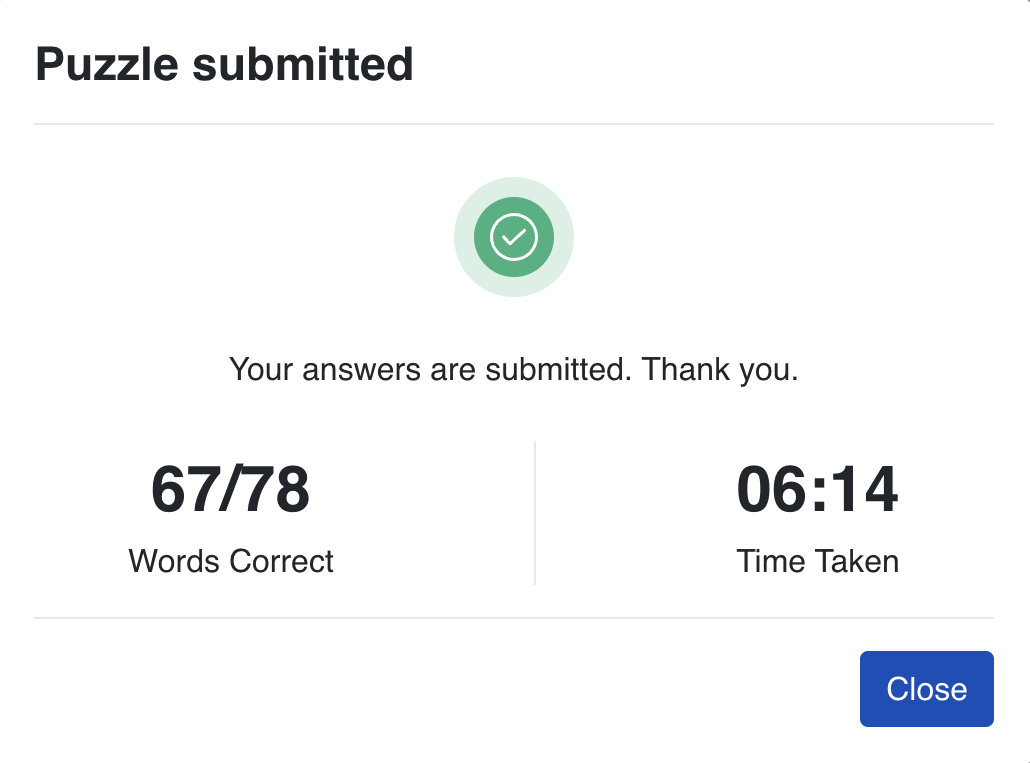
Once submitted, an entry is locked, and solvers can't go back and make further edits. They see the time taken to complete the puzzle once it is submitted.
For grid puzzles like Crossword, you can also choose to show solvers how many answers they got right, and which specific answers were right or wrong. See Feedback after submission in Setting up a contest.
If lead generation is enabled, the participant information form is shown to solvers after they submit, not before.