Account Management
This section has two toggles: Suspend on Limit Reached (account-wide) and Two-factor authentication (per-login).
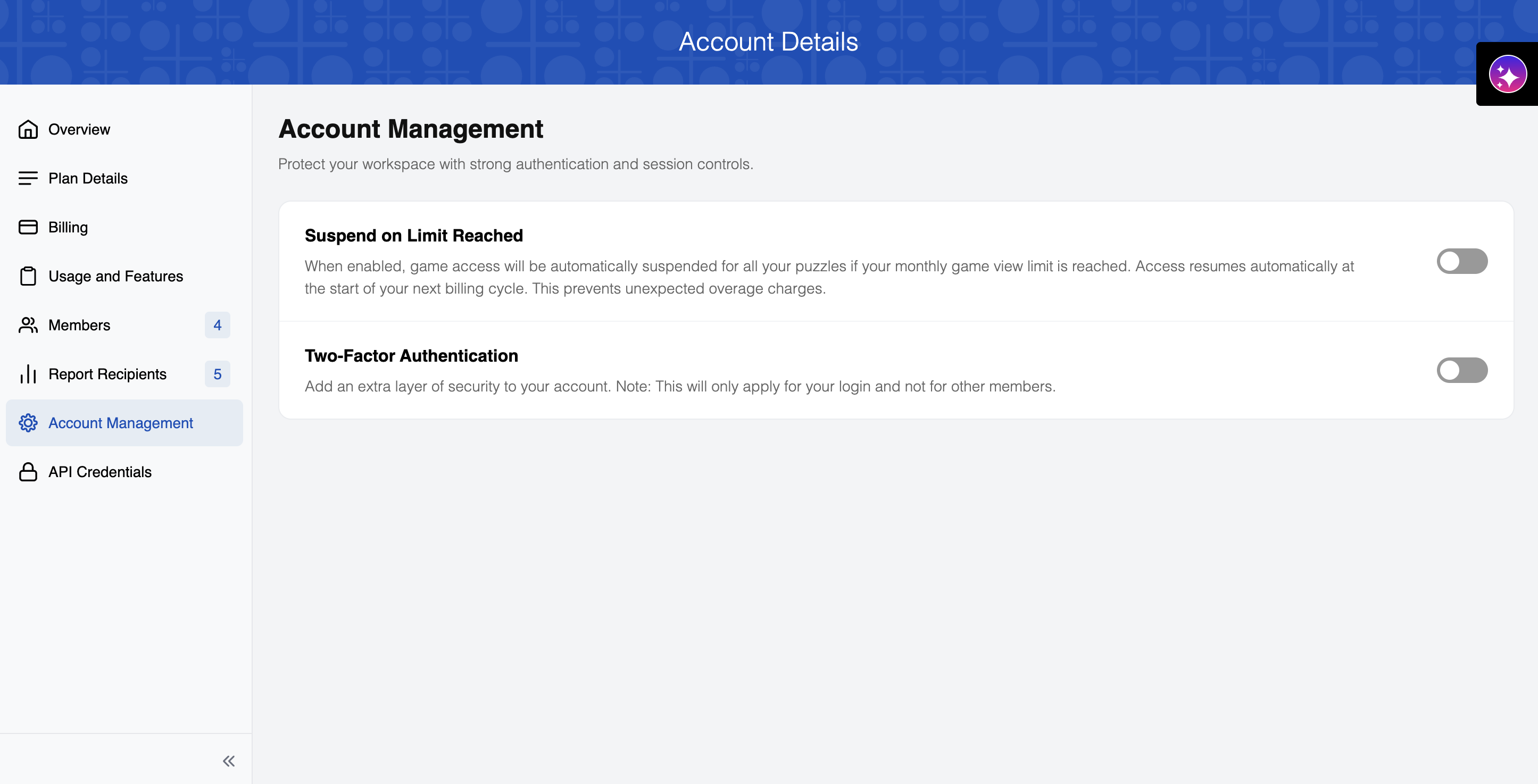
Suspend on Limit Reached
Toggle this on to guard against overage charges: once you hit your monthly game view limit, PuzzleMe pauses game access across your account until the next billing cycle starts, at which point access comes back automatically.
Two-factor authentication
Turning on two-factor authentication (2FA) adds a second login step, a one-time password from your authenticator app, on top of your password. This toggle is per-login: enabling it secures only your own sign-in, not the accounts of other members on your team. It only applies if you sign in with email and password — not if you sign in via Google, Microsoft, Yahoo, X/Twitter, or Facebook.
To enable two-factor authentication:
- Toggle the switch in the Account Management section
- Follow the setup instructions shown the next time you attempt to log in
- You will be required to enter a unique one-time code every time you log in, adding an extra layer of security to your account
Recommended authenticator apps:
Setup instructions:
- Do not scan the QR code through your phone's camera app — only use an authenticator app
- The QR code is only displayed during your first login
- After scanning, you must enter the one-time password (OTP) displayed in your authenticator app
- Subsequent logins will require entering the OTP generated by your authenticator app
- Keep your authenticator app secure and accessible