Usage and Features
This section shows your current usage metrics along with the features included in your plan.
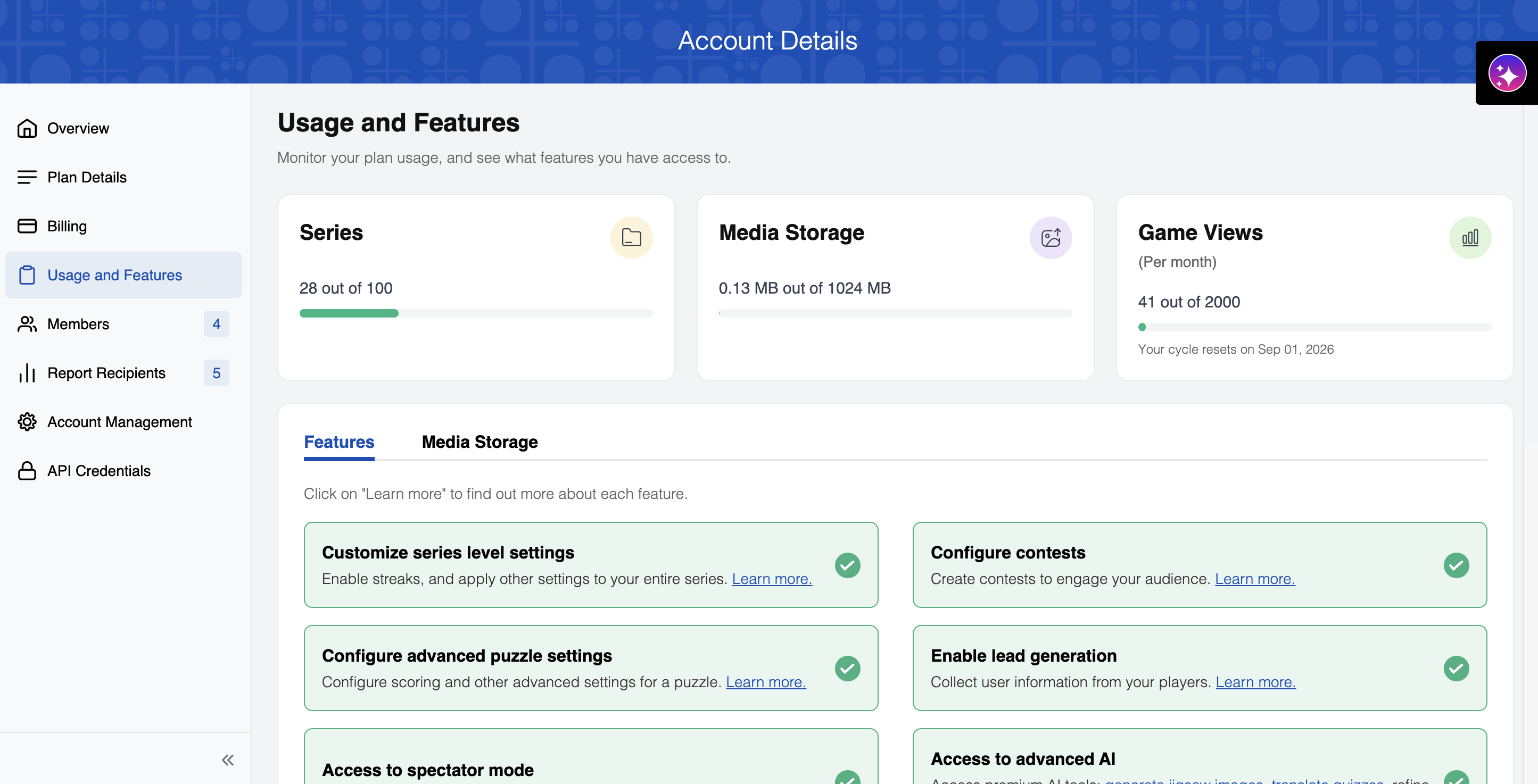
Usage Metrics
Monitor your current usage against your plan limits:
- Series: Track how many series you've created against your plan limit
- Media Storage: View your current media storage usage against your plan's storage limit
- Game Views (per month): Track your monthly game views against your plan's view limit. Your cycle reset date is shown here.
Monitor usage metrics to stay within plan limits. Contact support if you need to upgrade your plan or visit our pricing page to explore available options.
Below the usage metrics, the Features and Media Storage tabs let you dig into what's included in your plan and manage your uploaded files.
Media Storage
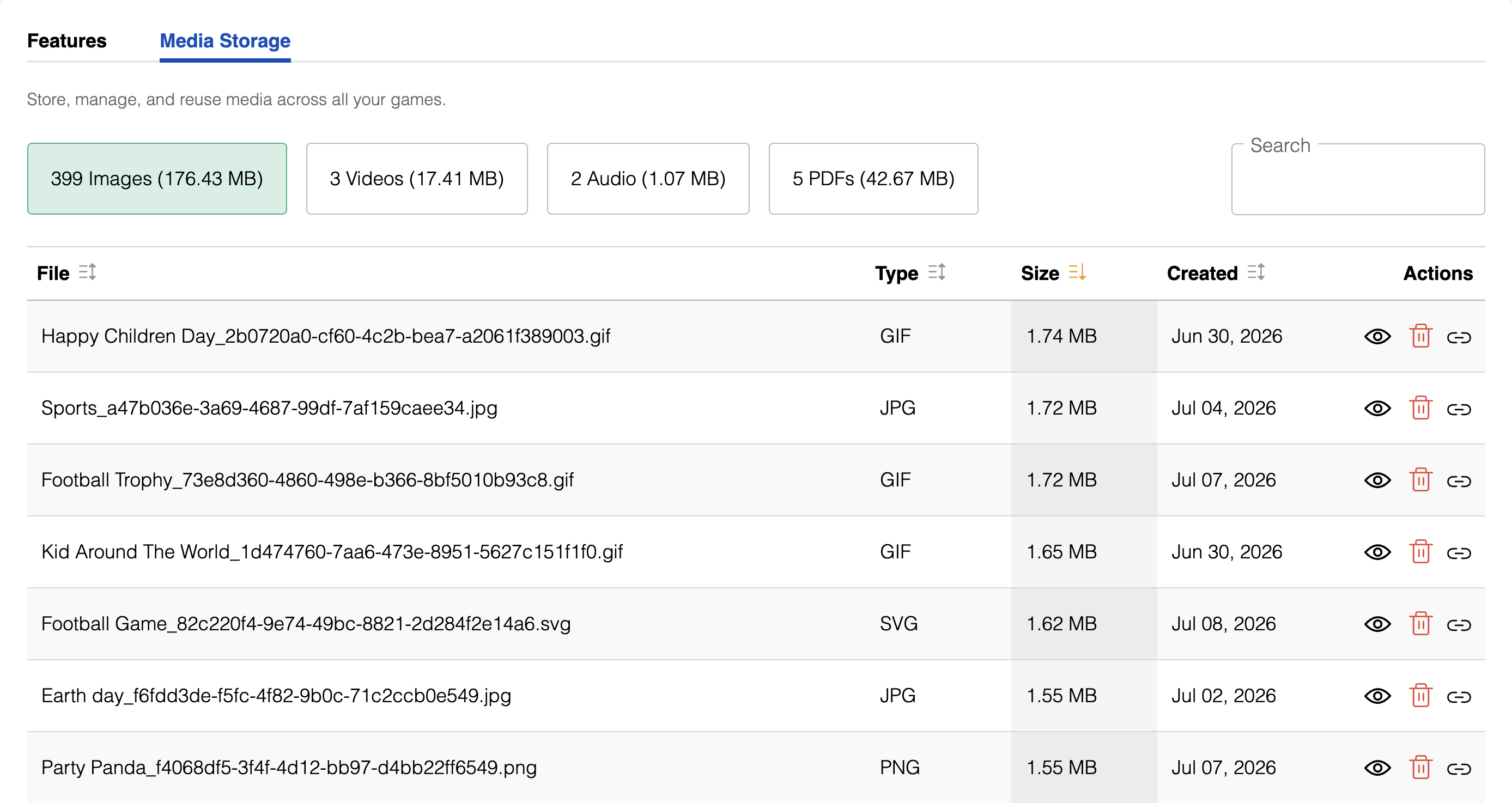
Use this tab to browse, search, and manage the media you've uploaded:
- Filter by file type using the Images, Videos, Audio, or PDFs chips, each showing the count and storage used
- Search for a specific file by name
- The file table shows Type, Size, and Created date for each file
- Use the row actions to view, copy a link to reuse the file in a puzzle, or delete a file
Delete files with caution as they may be used in existing puzzles. Deleted media will no longer display in those puzzles, and deleted files are irretrievable.
Features
This section displays the capabilities available in the current plan. In the account details page in your Dashboard, you'll see a list of features included in your plan:
Customize series level settings
Enable streaks, and apply other settings to your entire series.
Configure contests
Create contests to engage your audience.
Configure advanced puzzle settings
Configure scoring and other advanced settings for a puzzle.
Enable lead generation
Collect user information from your players.
Access to spectator mode
Spectate and monitor your puzzle contestants.
Access to advanced AI
Access premium AI tools: generate jigsaw images, translate quizzes, refine puzzle clues with cross-check, and more.
Brand individual puzzles
Apply branding to individual puzzles in a series.
Upload custom dictionaries
Improve your Magic Fill experience with custom dictionaries.
Publication settings
Schedule when you want your puzzles to go live.
Two-factor authentication
Add an extra layer of security to your account.
Customize print integration
Upload custom PDFs to use in print.
Access Puzzle Feed
Access ready-made puzzle feeds and start publishing puzzles in minutes, with new puzzles added automatically.
Receive analytics reports
Get detailed analytics reports for all your puzzles, sent to your email every week or month.
Custom messaging
Add custom images and animations to your puzzles.
Custom branding
Gain access to custom fonts, colors and other branding features.
- Features marked with a green checkmark are included in the current plan.
- Features with a crown icon are locked and require an upgrade to access