Plan Details
This section displays your current plan and lets you manage or cancel your subscription:
- Current Plan: Shows your plan tier (Personal, Plus, Professional, or Enterprise).
- Member Since: The date your account was created
- Billing Cycle: Your billing frequency
- Status: Shows current account status
- Billing Name: The name associated with your billing account
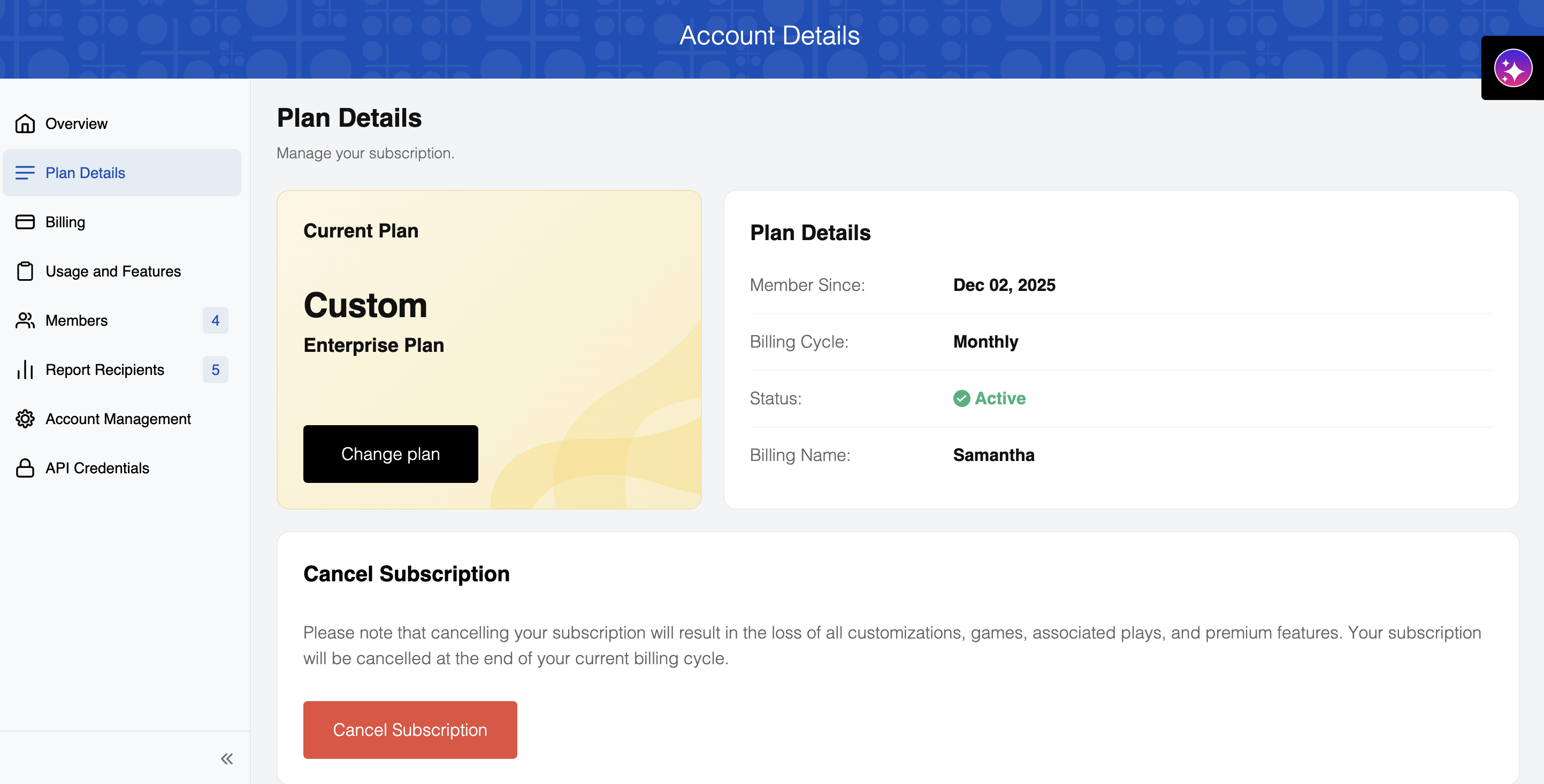
Cancel Subscription
You can cancel your PuzzleMe subscription from the Plan Details page. Once canceled, the account remains active until the end of the current billing cycle. Post this, your account, including your puzzles and plays data, will be deleted.
If you cancel your subscription and later resubscribe, your previous account data—including all puzzles, series, and customizations—cannot be retrieved or restored. You will start with a new account. To preserve your account data, you must keep your subscription active.
To cancel your subscription:
- Click the "Cancel Subscription" button in the Cancel Subscription section
- Follow the steps provided to go ahead with cancellation
In case you wish to keep a record of your play data, you can download it from the Analytics page before cancellation.
FAQ
What happens to my data when I cancel my subscription?
When you cancel your subscription, all customizations, games, associated plays, and premium features will be permanently deleted. Your subscription will be cancelled at the end of your current billing cycle.
If you cancel and later return with a new subscription, your previous account data—including all puzzles, series, and customizations—cannot and will not be retrieved or restored. You will start with a new account. Getting a new subscription does not restore your deleted puzzles. You must keep your subscription active to preserve your account data.