Report Recipients
Configure who receives analytics reports and how often.
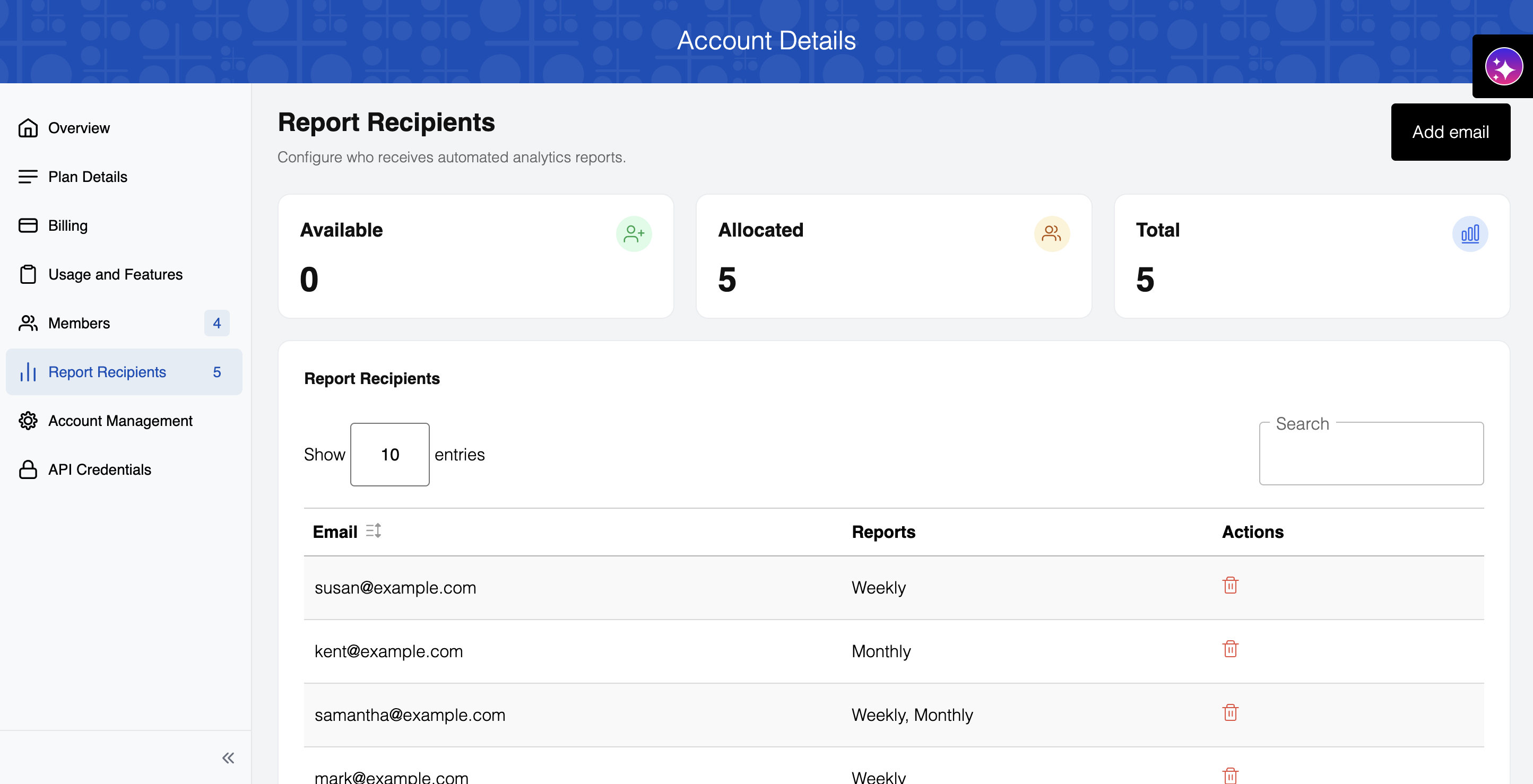
- Available: Open recipient slots you haven't assigned yet
- Allocated: Recipients currently configured
- Total: Your plan's total recipient limit
The table shows each recipient's email and report frequency (Weekly, Monthly, or both).
Managing recipients
Click "Add email" to add a recipient and set their report frequency. Professional plan users can select recipients from existing account members, while Enterprise plan users can also add custom email addresses.
Use the delete icon next to a recipient's row in the table to remove them.